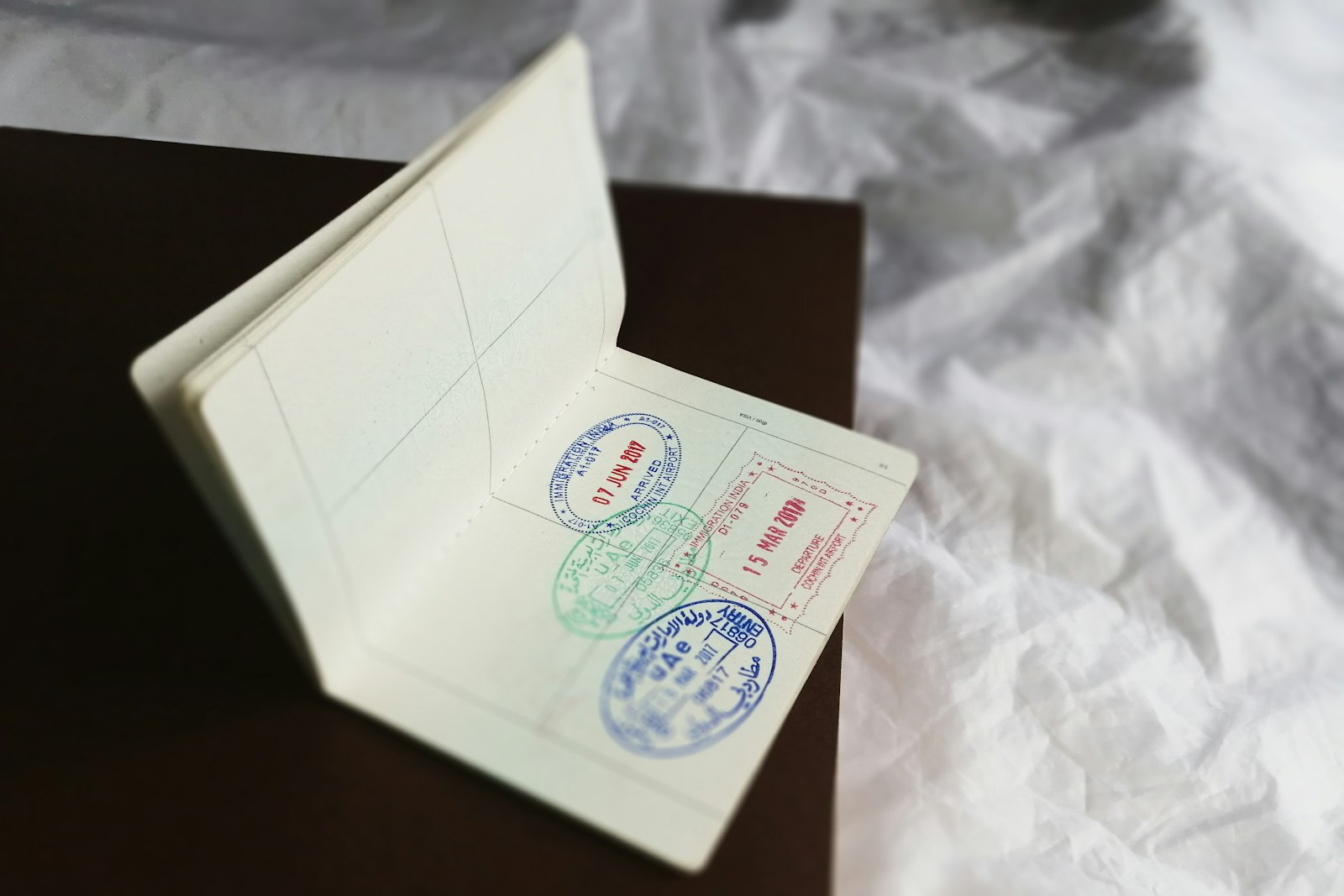
渡航先を教えていただければ、国籍と経路に応じたビザの選択肢を表示し、申請を最初から最後まで代行します。
出発地・目的地・渡航日を入力すると、対象となるビザの種類、政府手数料、想定処理期間、必要書類が正確に表示されます。
申請フォームに入力し、パスポートの身分事項ページと写真をアップロードしてください。発給機関または認定業者へ申請を提出し、必要に応じてビザセンターの予約を確保、各段階でメールでお知らせします。
WiiLine Travel を通じて確定料金を一括で前払いします。アカウントからいつでも状況を確認でき、承認されたビザは発行後すぐにダウンロードできます。
国籍と渡航先により異なります。渡航情報を入力すると、そのルートで手配可能なビザの種類、手数料、処理期間が表示されます。
渡航先により異なりますが、通常は有効期限が6か月以上のパスポート、証明写真、場合により渡航・宿泊の証明が必要です。ビザ選択後にフォームで正確なリストが表示されます。
各ビザには申請前に想定処理期間が表示されます。アカウントから状況をリアルタイムで確認でき、変更があるたびにメールでお知らせします。
一部のビザはビザセンターでの対面予約が必要です。その場合は代行して予約し、日時と住所をお送りします。
ファストトラック
Tell us your trip
Enter where you’re travelling from and to, plus your dates. We check what you can arrange for that route.
Choose a service & fill the form
Pick an option and complete exactly the fields and documents the provider requires - upload your passport photo page if it’s needed.
Pay securely
You’re charged the confirmed price by WiiLine Travel. We then file your application with the provider.
Track it to completion
Follow the status on your account. We email you at each stage - review, any visa-centre appointment, submission, and the final decision.
You only pay once, when you submit. We keep you updated by email at every step.